


If you’re learning SQL for data analysts in Australia, you’re focusing on exactly the right skill. Scroll through almost any data analyst listing on Seek right now and SQL sits right alongside Excel and Power BI as a core requirement — not an optional extra. The good news is that SQL is far more learnable than it looks from the outside. This guide breaks down exactly what beginners need to know, how it’s used in real Australian data analyst jobs, and where the biggest demand is by city and industry.
Why SQL Matters for Data Analysts in Australia
Most Australian businesses store their data in databases, not spreadsheets — customer records, sales transactions, inventory logs, and financial data all live in systems that Excel simply can’t query directly. That’s where SQL comes in. A quick scan of SQL data analyst roles listed on Seek shows SQL requested across banking, government, healthcare, and retail roles alike, often paired with Power BI or Tableau for reporting. Seek’s salary data puts the average data analyst salary in Australia between $95,000 and $115,000, and SQL proficiency is one of the clearest ways to move from entry-level data entry work into a genuine analyst position.
What Is SQL and Why Do Employers Ask for It?
SQL (Structured Query Language) is how you talk to a database — asking it to pull, filter, sort, or summarise information on demand. Where Excel requires you to manually click through filters and formulas, SQL lets you write a single query that pulls exactly the data you need from millions of rows in seconds. Employers ask for it because most business data simply lives outside Excel’s comfortable range, and SQL is the standard, universal way analysts access it.
SQL Skills Beginners Should Learn First
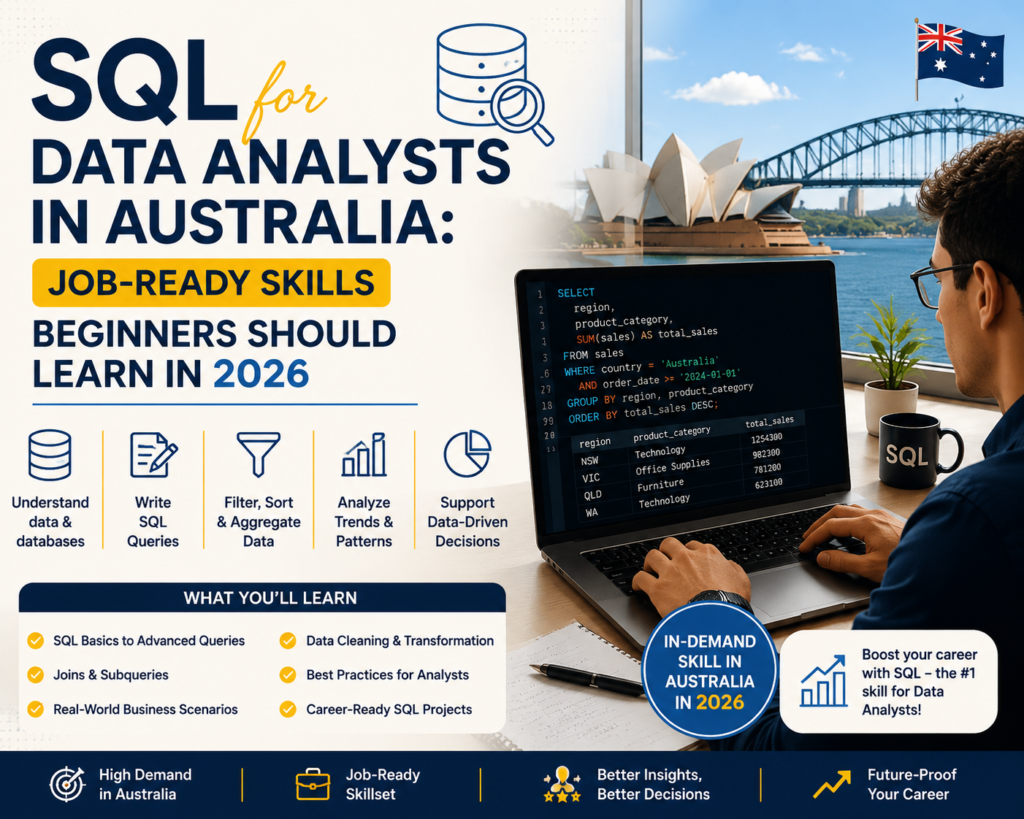
You don’t need to learn everything at once. These fundamentals cover the vast majority of day-to-day data analyst work in Australia:
SELECT Statements
The starting point for every query — pulling specific columns of data from a table instead of everything at once.
WHERE Filters
Narrowing results down to exactly what you need, such as sales from a specific month or customers in a specific state.
ORDER BY and Sorting
Arranging results by date, value, or name so reports and reviews are easy to scan.
GROUP BY and Aggregations
Summarising data — total sales by region, average order value by month — using SUM, COUNT, and AVG alongside GROUP BY.
JOINs Between Tables
Combining data that’s split across multiple tables, such as matching customer details to their order history.
CASE Statements
Building simple conditional logic inside a query, similar to an IF statement in Excel, to categorise or flag data.
Cleaning Data with SQL
Using functions like TRIM, COALESCE, and DISTINCT to handle blanks, duplicates, and inconsistent entries before analysis.
How SQL Is Used in Real Australian Data Analyst Jobs
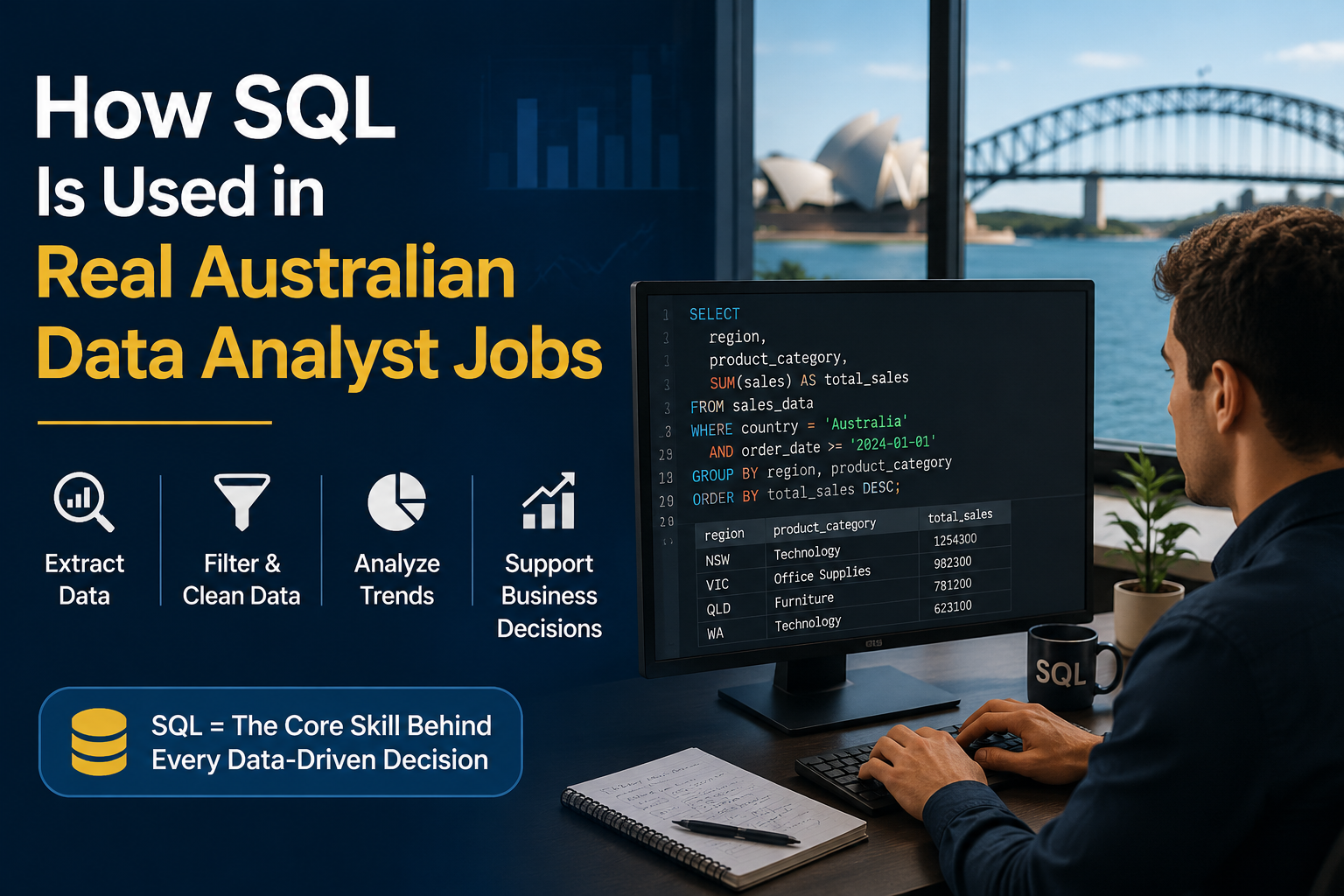
In practice, SQL rarely appears in isolation. Australian data analysts typically use it to pull and shape raw data from a company database, then bring that cleaned dataset into Excel or Power BI for reporting and visualisation. A typical week might involve writing a query to pull last month’s transactions, joining it against a customer table, and exporting the result into a dashboard — all before lunch. It’s less about complex programming and more about efficient, repeatable data retrieval.
SQL vs Excel vs Power BI: Which Should You Learn First?
If you’re completely new to data, start with Excel — it builds your foundational logic around rows, columns, and formulas. From there, SQL is the natural next step, since it teaches you how data is actually stored and structured behind the scenes. Power BI builds on both, turning the data you’ve pulled and cleaned into visual reports and dashboards. Most job-ready Australian data analysts end up needing all three, but the order Excel → SQL → Power BI tends to make each stage easier to learn.
SQL and Power BI: A Powerful Combination for Reporting Roles
Power BI can connect directly to a SQL database, meaning analysts who know both tools can build live, automatically refreshing dashboards instead of manually re-exporting data every week. This combination is one of the most requested skill pairings in Australian data analyst job ads, particularly in government, finance, and healthcare roles where reporting needs to stay current without constant manual rework.
Common SQL Tasks for Data Analysts
These are the tasks that come up again and again in real Australian data analyst roles:
Finding Sales Trends
Querying transaction data by month or region to spot patterns before they show up in a formal report.
Cleaning Customer Data
Removing duplicate records and standardising inconsistent entries across a customer database.
Creating Monthly Reports
Writing repeatable queries that pull the same structured summary every reporting period, saving hours of manual work.
Analysing Business Performance
Joining sales, cost, and staffing data together to answer specific performance questions from management.
Preparing Data for Dashboards
Shaping and cleaning raw data so it loads cleanly into Power BI or Tableau without errors.
SQL Skills by Australian Industry
SQL use looks a little different depending on the sector you’re working in:
SQL for Finance Data Analysts
Querying transaction and account data for reconciliation, fraud checks, and regulatory reporting.
SQL for Healthcare Data Analysts
Pulling patient and service data for reporting while working within strict privacy and governance requirements.
SQL for Retail Data Analysts
Analysing sales, stock, and customer data to support pricing, promotions, and inventory decisions.
SQL for Government Reporting Roles
Working with large, governed datasets for workforce planning, service delivery, and compliance reporting — a common requirement in Commonwealth and state roles.
SQL for Logistics and Operations Analysts
Tracking shipments, delivery times, and warehouse data to identify operational bottlenecks.
SQL for Data Analyst Jobs in Major Australian Cities
SQL is requested everywhere, but demand and salary levels shift city by city.
SQL Data Analyst Jobs in Melbourne
Melbourne offers strong demand across corporate, tech, and government employers, with SQL frequently paired with Power BI in job ads.
SQL Data Analyst Jobs in Sydney
Sydney carries the highest concentration of data analyst roles, particularly in banking and financial services, and typically pays the strongest salaries.
SQL Data Analyst Jobs in Brisbane
Brisbane’s data analyst market is growing steadily, with increasing demand across logistics, construction, and government services.
SQL Data Analyst Jobs in Perth
Perth’s resources sector drives demand for analysts who can query operational and cost data at scale using SQL.
SQL Data Analyst Jobs in Adelaide
Adelaide’s healthcare, defence, and government sectors regularly list SQL as a core requirement for data and reporting roles.
SQL Data Analyst Jobs in Canberra
Canberra’s federal government roles frequently combine SQL with Power BI or Tableau for large-scale, governed reporting environments.
Beginner SQL Learning Roadmap
- Week 1–2: SELECT, WHERE, and ORDER BY on simple tables
- Week 3–4: Aggregations and GROUP BY for summarising data
- Week 5–6: JOINs across multiple tables
- Week 7–8: CASE statements and basic data cleaning functions
- Ongoing: practise on real, messy datasets — not just tutorial examples
Common Mistakes Beginners Make When Learning SQL
- Memorising syntax without practising on real, messy datasets
- Skipping JOINs because they feel confusing early on
- Writing overly complex queries instead of breaking problems into simple steps
- Not double-checking results against the raw data before reporting them
- Learning SQL in isolation instead of alongside Excel or Power BI, which is how it’s actually used on the job
Do You Need SQL to Become a Data Analyst in Australia?
For most modern data analyst roles, yes — SQL now sits alongside Excel and Power BI as a baseline expectation rather than a bonus skill, particularly for roles that go beyond basic reporting. Some very entry-level or Excel-only roles still exist, but they typically pay less and offer a narrower career path. Learning SQL early significantly widens the roles you’re eligible for and tends to lift your starting salary.
FAQs About SQL for Data Analysts in Australia
Is SQL required for data analyst jobs in Australia?
For most mid-level and above roles, yes. It’s one of the most frequently listed technical requirements alongside Excel and Power BI.
Is SQL harder than Excel?
Not really — it’s different rather than harder. SQL follows a logical, consistent structure that many beginners actually find easier than complex Excel formulas.
Should I learn SQL before Power BI?
It helps. Understanding how data is structured in SQL makes it much easier to build clean, efficient data models once you move into Power BI.
How long does it take to learn SQL for data analytics?
Most beginners can learn core SQL skills — SELECT, WHERE, JOINs, and GROUP BY — within four to eight weeks of consistent practice.
Can beginners learn SQL without coding experience?
Yes. SQL is one of the most beginner-friendly technical languages, since it reads closer to structured English than traditional programming.
Which data analytics course includes SQL?
Look for a course that combines SQL with Excel and Power BI training, since that combination reflects how the tools are actually used together in Australian data analyst roles.
Final Thoughts
SQL for data analysts in Australia isn’t a niche technical add-on anymore — it’s one of the core skills employers expect alongside Excel and Power BI. The beginner fundamentals covered here — SELECT, WHERE, JOINs, and GROUP BY — will take you a long way, and building even a basic portfolio of real queries will set you apart from candidates who’ve only watched tutorials. For structured hands-on guidance, our Excel skills guide for Australian jobs is a useful companion resource if you’re still building your foundations, and Microsoft’s own SQL documentation is a solid free reference to bookmark as you practise.
Ready to become job-ready? Start building job-ready data analytics skills with our beginner-friendly data analytics courses in Australia.